A single profile for every customer
Events from your website, mobile app, CRM and offline purchases come together in one profile: who the customer is, what they viewed and bought, which messages they received and opened.
Data from any source
Connect the sources you already have — without custom development for each integration.
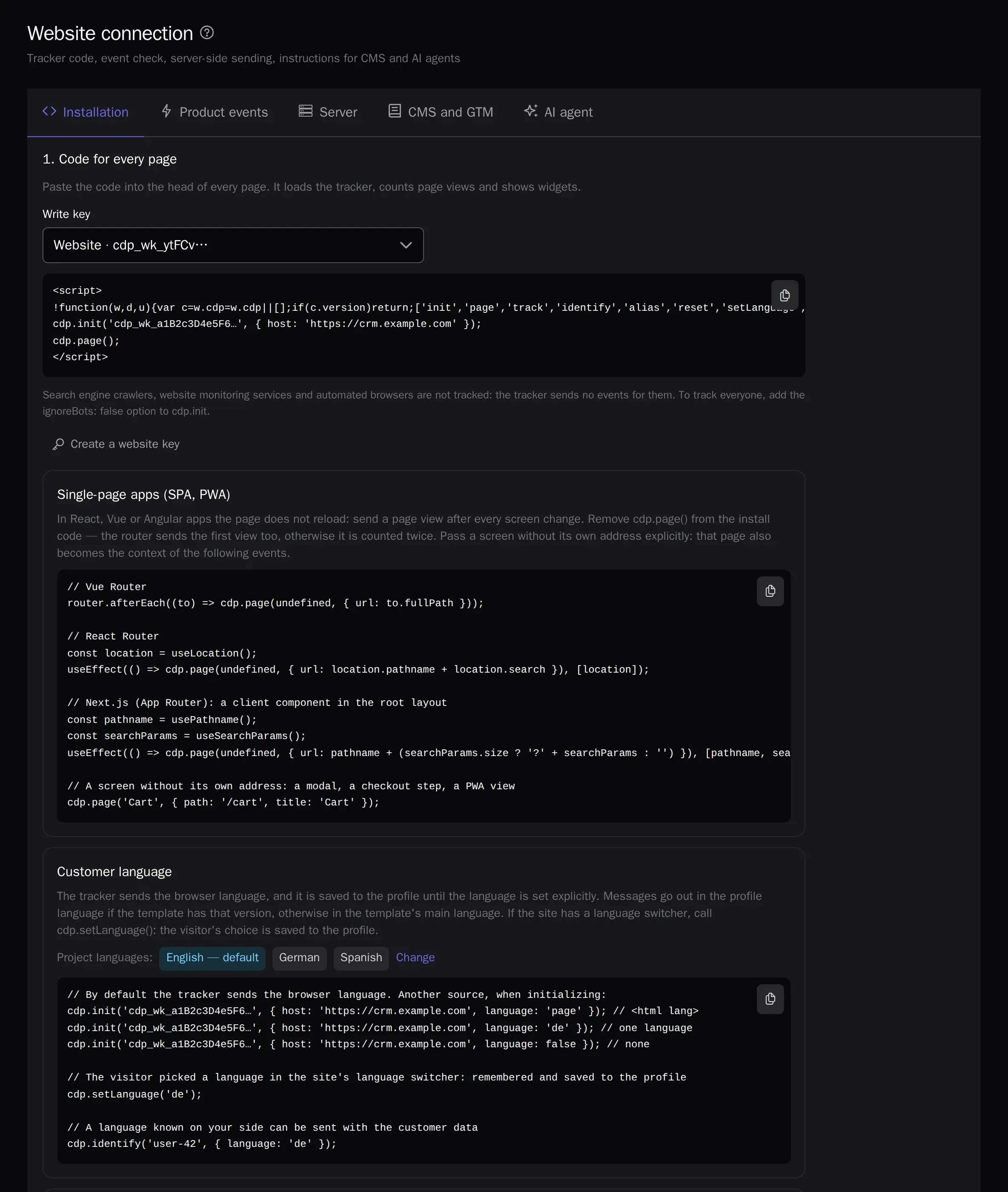
- A website JS tracker: page views, carts, orders, UTM tags
- An SDK for mobile apps: Android, iOS, Flutter and React Native
- An API for servers and apps in a format close to Segment’s
- CSV imports and scheduled sources: S3, file by URL, Google Sheets
- Migration from Mindbox, Customer.io and Retail Rocket with incremental sync
Identity resolution
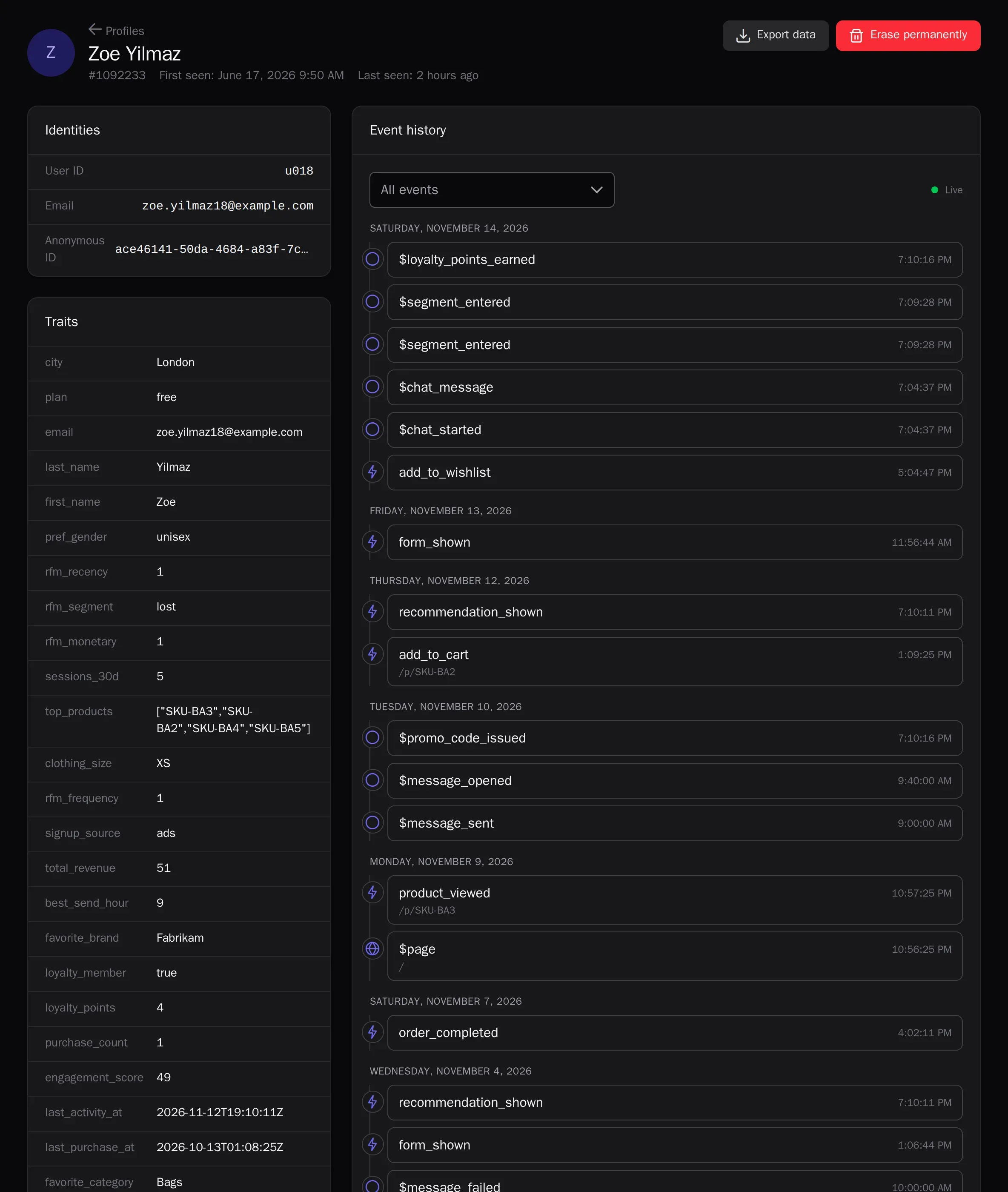
An anonymous visitor, a newsletter subscriber and a CRM buyer are one person. The platform merges profiles by email, phone, customer ID and Telegram and keeps the whole history.
Live event stream
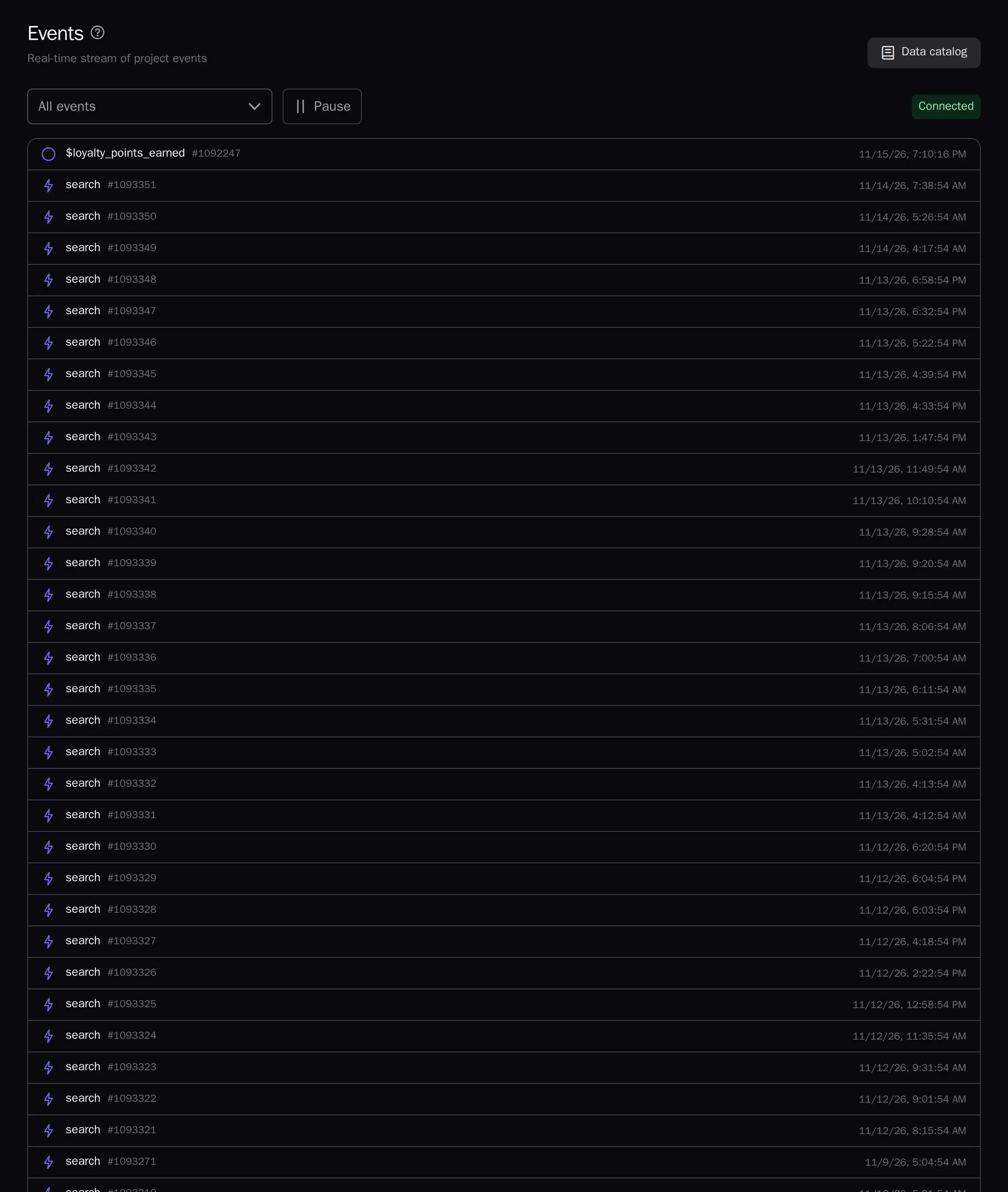
Events show up seconds after they are sent: handy for checking the tracker installation and watching what happens on your site right now. The event and attribute catalog fills itself.
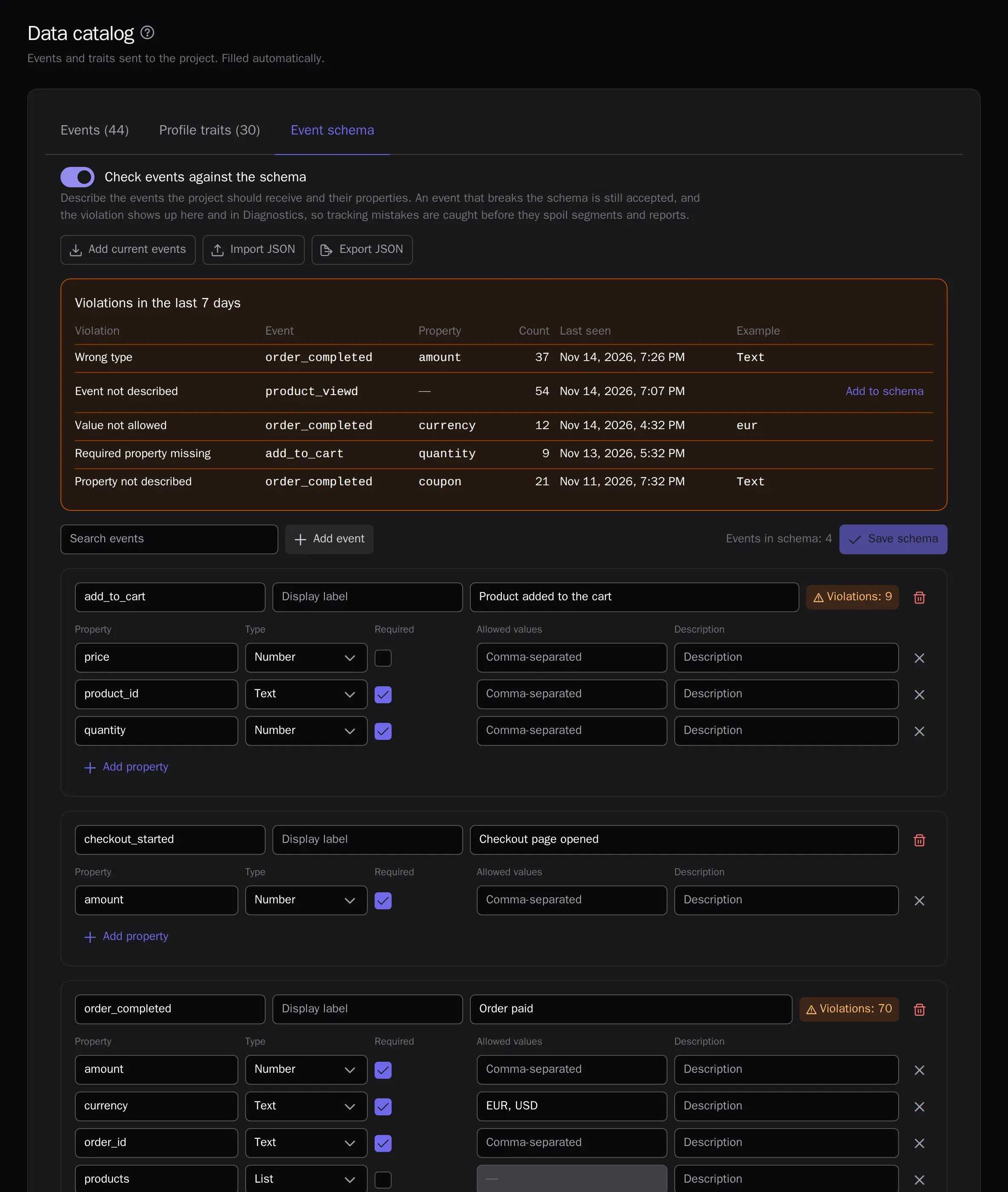
Event schema
Describe which events should arrive and with which properties: type, required or not, allowed values. Every event is checked against the schema on ingestion without slowing it down, and a typo in the name, an amount sent as text or a missing property shows up at once in the data catalog and in diagnostics, before it spoils segments and reports. An event that breaks the schema is still accepted. One schema rolls out to every project through JSON or the API. From the Growth plan.
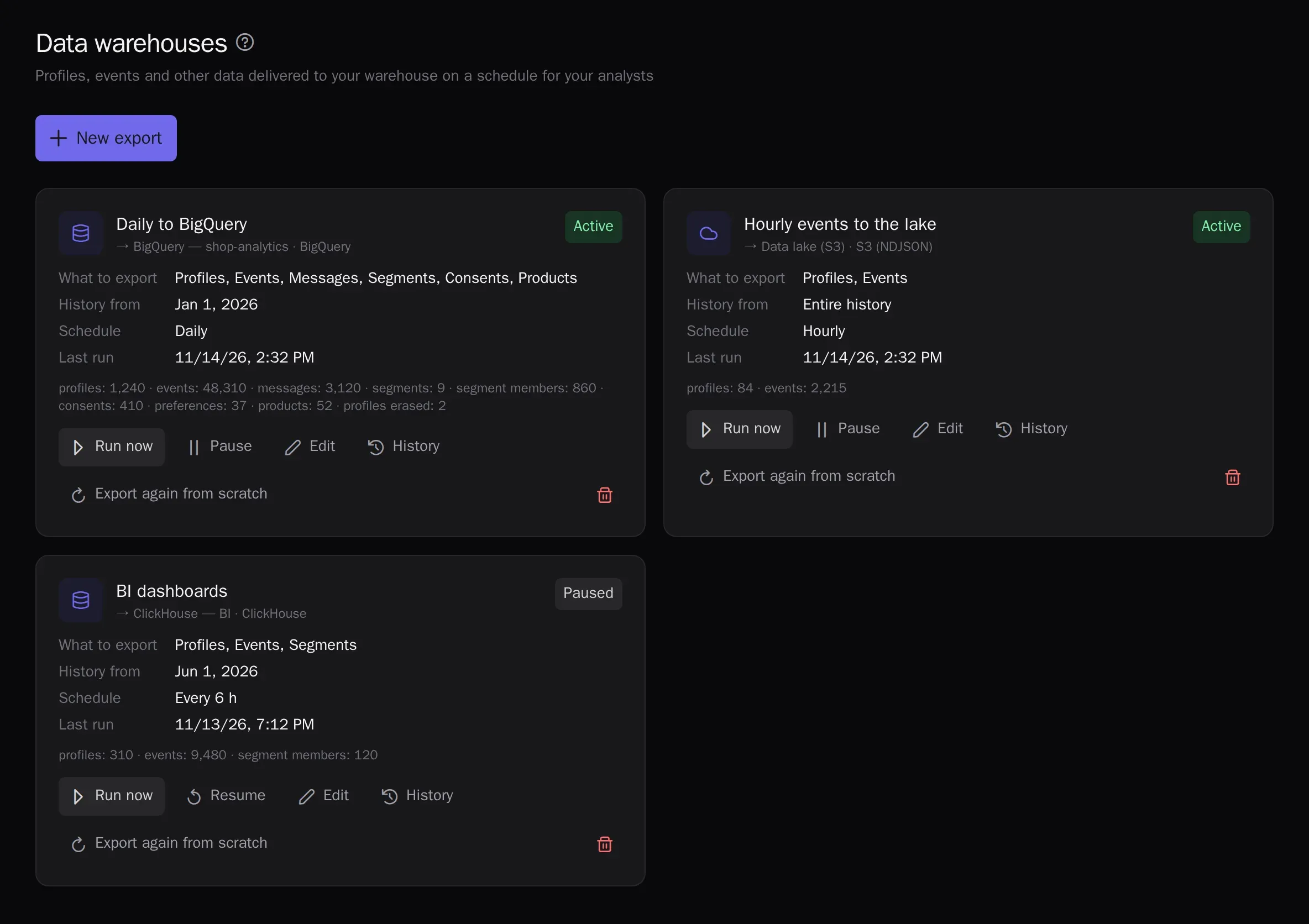
Export to data warehouses
Profiles and events — and, if you choose, messages, segments, consents and products — are copied on a schedule to your analysts’ warehouse: S3, Google Cloud Storage, BigQuery, Snowflake, ClickHouse or PostgreSQL. Each run transfers only changes, profiles erased at a customer’s request are removed from the warehouse too, and run history and errors are shown in the admin. On the Enterprise plan.
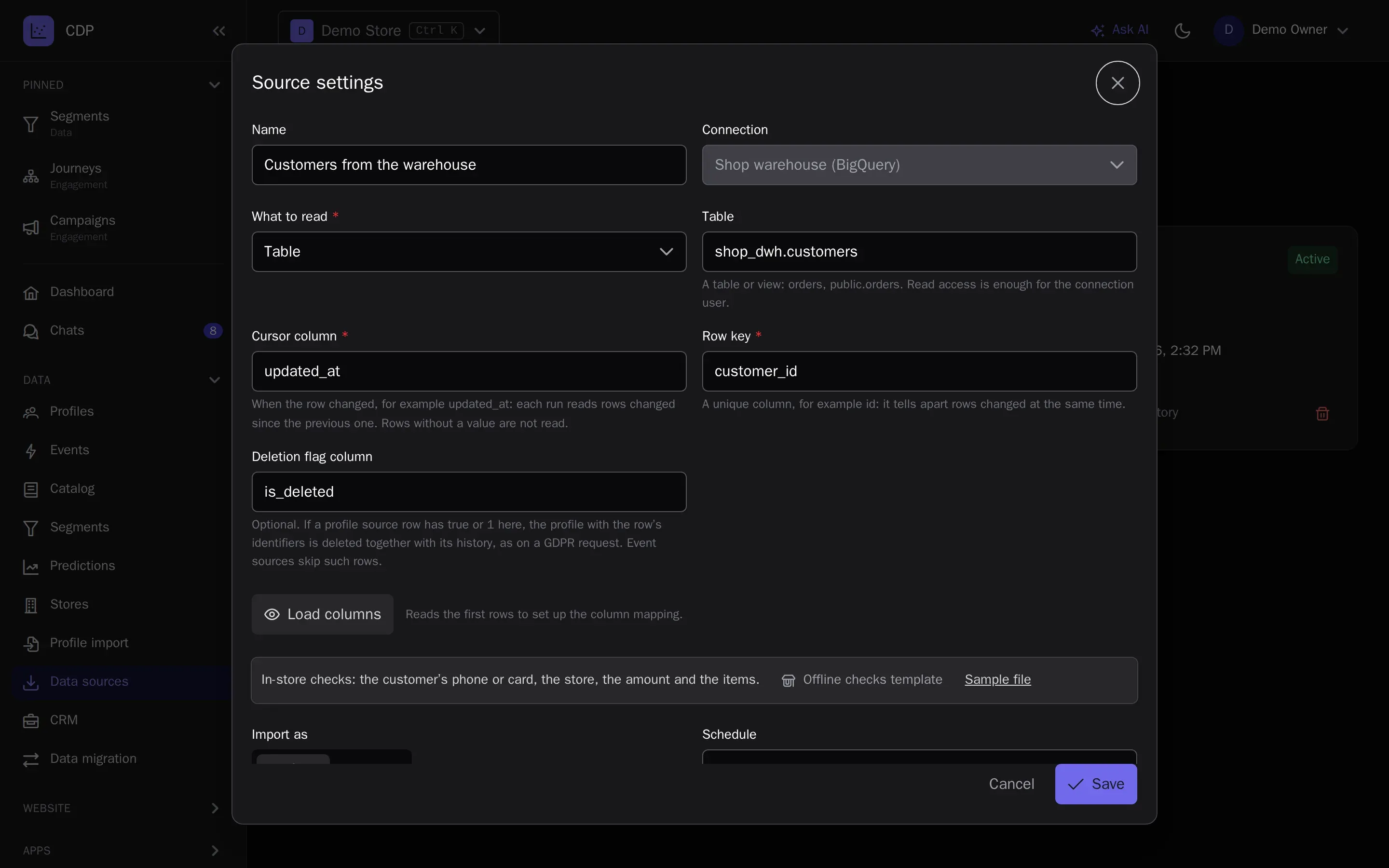
Data from your warehouse
Profiles, traits and events are read straight from PostgreSQL, ClickHouse, BigQuery or Snowflake, as a table or your own query. Each run takes only the rows changed since the previous one, by the change-time column and the row key, up to a million rows at a time; a large table catches up in the next runs without waiting. Changes start journeys and update segments right away, and a row with a deletion flag deletes the profile, as a GDPR request does. Queries are read-only. On the Enterprise plan.
- A separate read-only user
- Columns map to traits and events, as in a file import
- Run history: read, accepted, profiles deleted
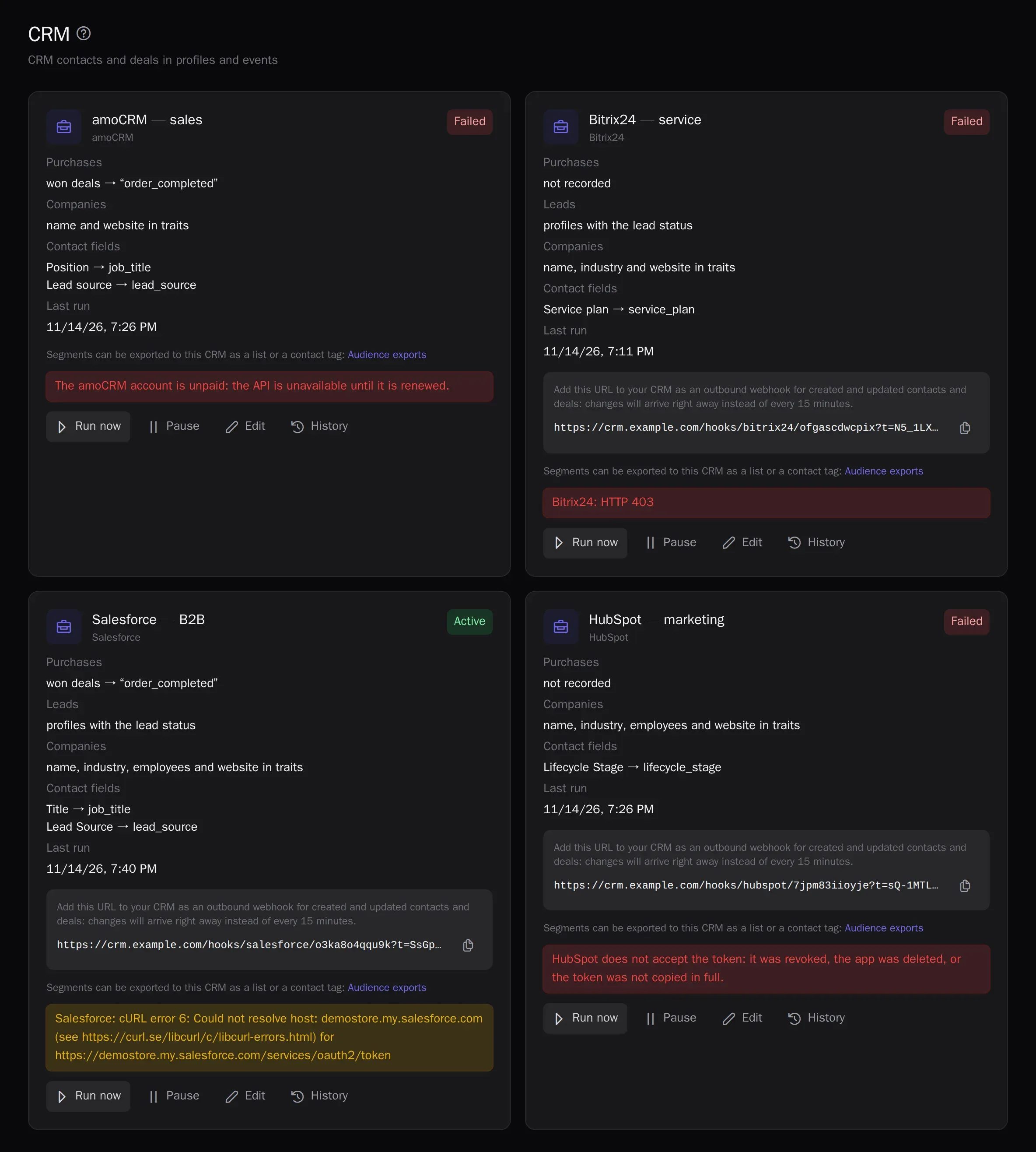
Contacts and deals from your CRM
Connect amoCRM, Bitrix24, HubSpot, Pipedrive, Zoho CRM, Odoo, Salesforce or Microsoft Dynamics 365 with your own keys: contacts become profiles, leads become profiles with a status, companies become traits, deal stages become events, and won deals become purchases in revenue and predictions. Changes arrive via webhooks with a check every 15 minutes, and the history loads without emails about old deals. Journey nodes create deals, assign tasks to managers and move deal stages, and segments go back to the CRM as a list, tag, field or campaign. From the Growth plan.
- SegmentsAudiences by events and attributes — in real time.
- PredictionsRFM, churn risk, purchase probability, revenue forecast, best send time and channel.
- JourneysVisual scenarios: triggers, waits, branches and A/B.
- LoyaltyPoints, paying with points, tiers, friend referrals, promo codes and Wallet cards.
- Channels and campaignsEmail, web and mobile push, in-app messages, SMS, messengers and A/B-tested campaigns.
- Live chatWebsite chat, messengers and email in one inbox for your whole support team, with the customer profile alongside.
- Signup formsPopups and website forms: the contact goes straight into the profile with consent.
- Recommendations and widgetsPersonal product picks on your site and in emails.
- AnalyticsReports, funnels, retention, revenue, traffic, channel attribution, ROPO and a control group.
- AI assistantsThe in-app assistant figures things out and builds campaigns; Claude and ChatGPT over MCP.
- White-labelThe platform under your brand and domain.
Try it on your own data
14 days on the Growth plan, no card required: up to 1,000 profiles and 500 emails a day.